AuthGuard 2FA icon

AuthGuard 2FA Authenticator

Tools · Android

Private, offline two-factor authentication.

AuthGuard 2FA screenshot 1 AuthGuard 2FA screenshot 2 AuthGuard 2FA screenshot 3 AuthGuard 2FA screenshot 4 AuthGuard 2FA screenshot 5 AuthGuard 2FA screenshot 6

AuthGuard 2FA is a private, offline two-factor authentication (2FA/MFA) app. It generates time-based one-time passwords (TOTP/OTP) for your accounts, stores them encrypted on your device and never asks you to sign up.

Category
Tools
Platform
Android
Languages
36
Price
Free

Private by design

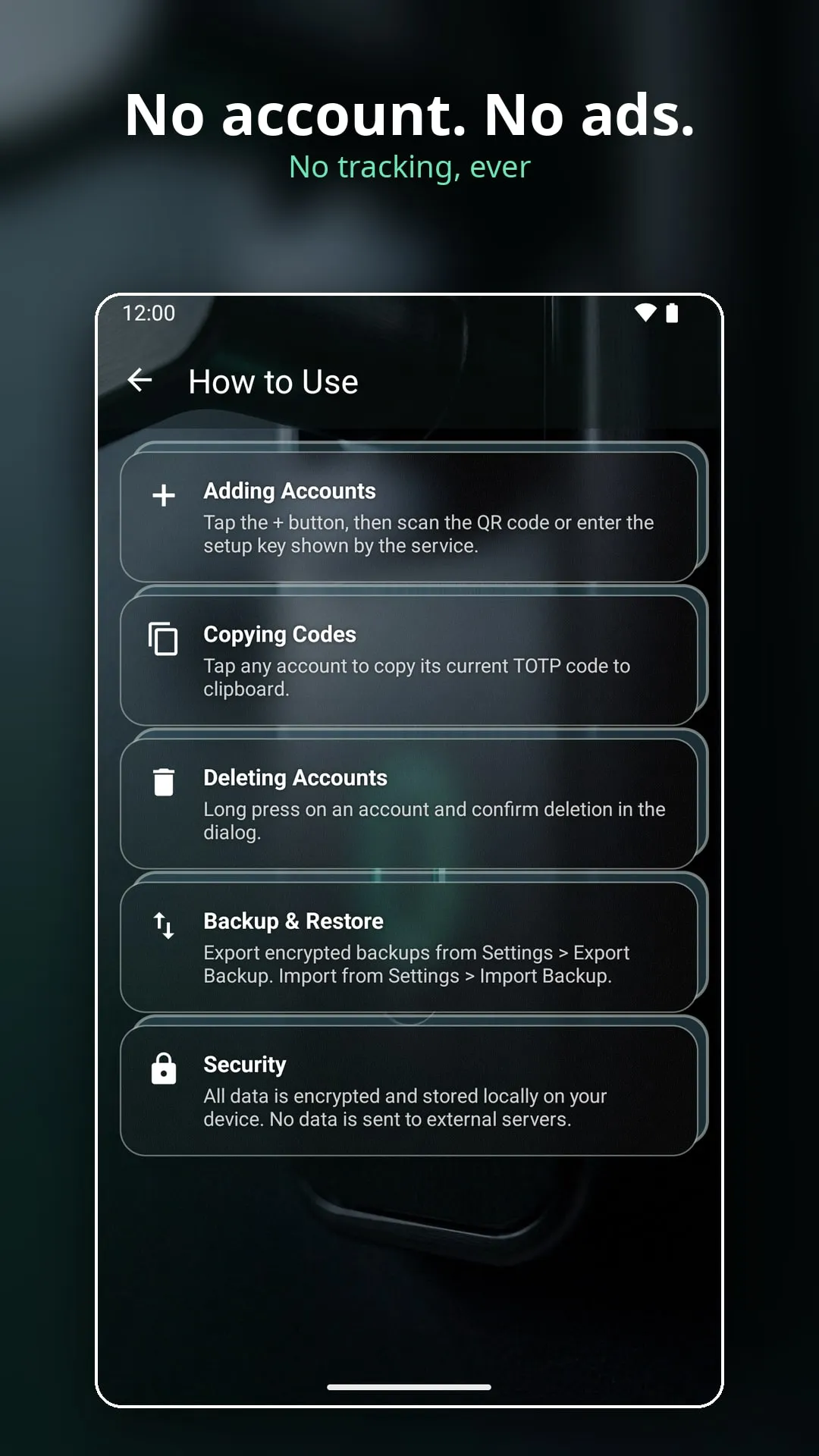
  • No account, no sign-up, no cloud
  • No ads, no tracking, no analytics
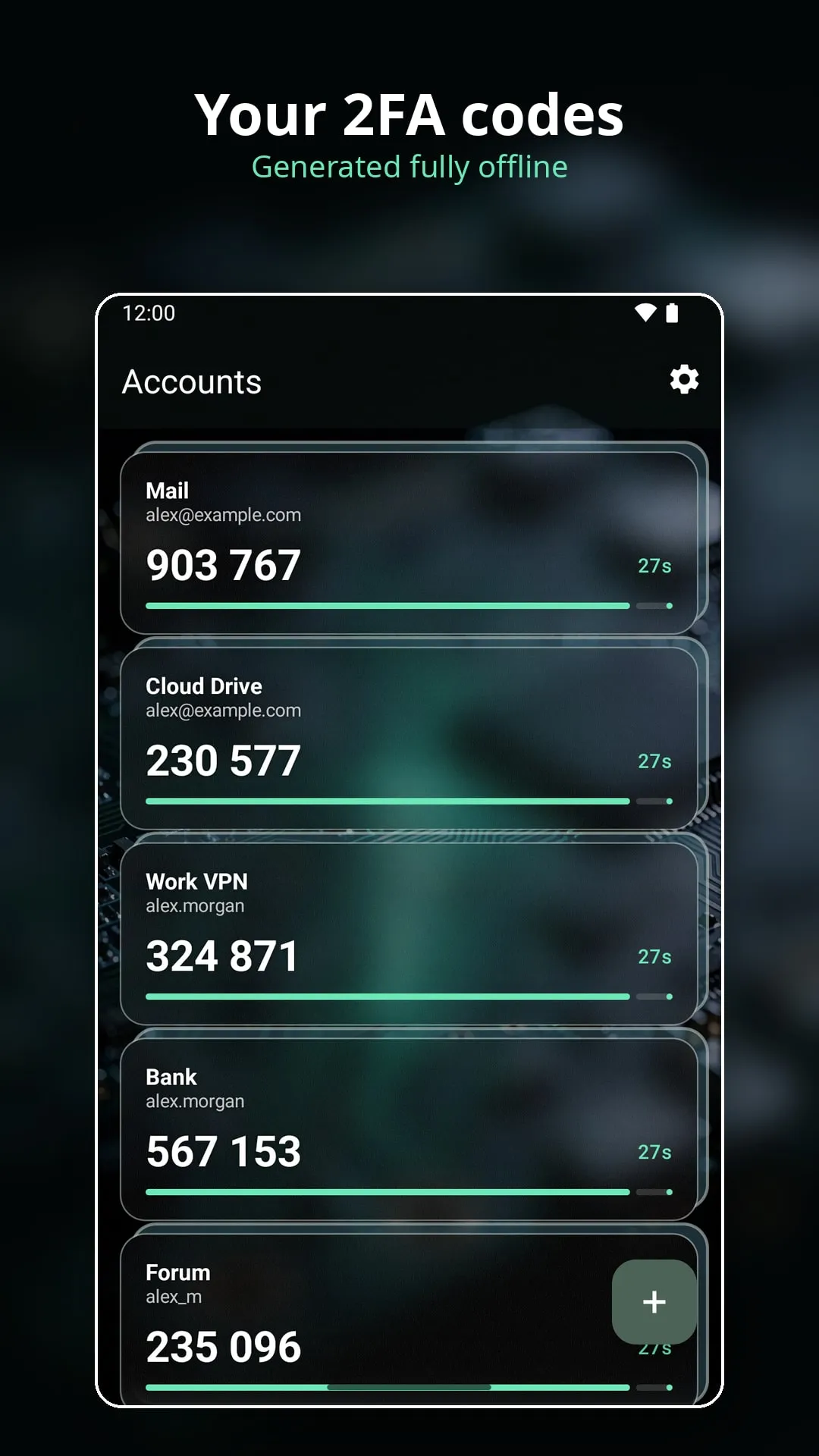
  • Codes are generated fully offline
  • Your secrets stay on your device; backups are encrypted and made only when you choose

Strong encryption

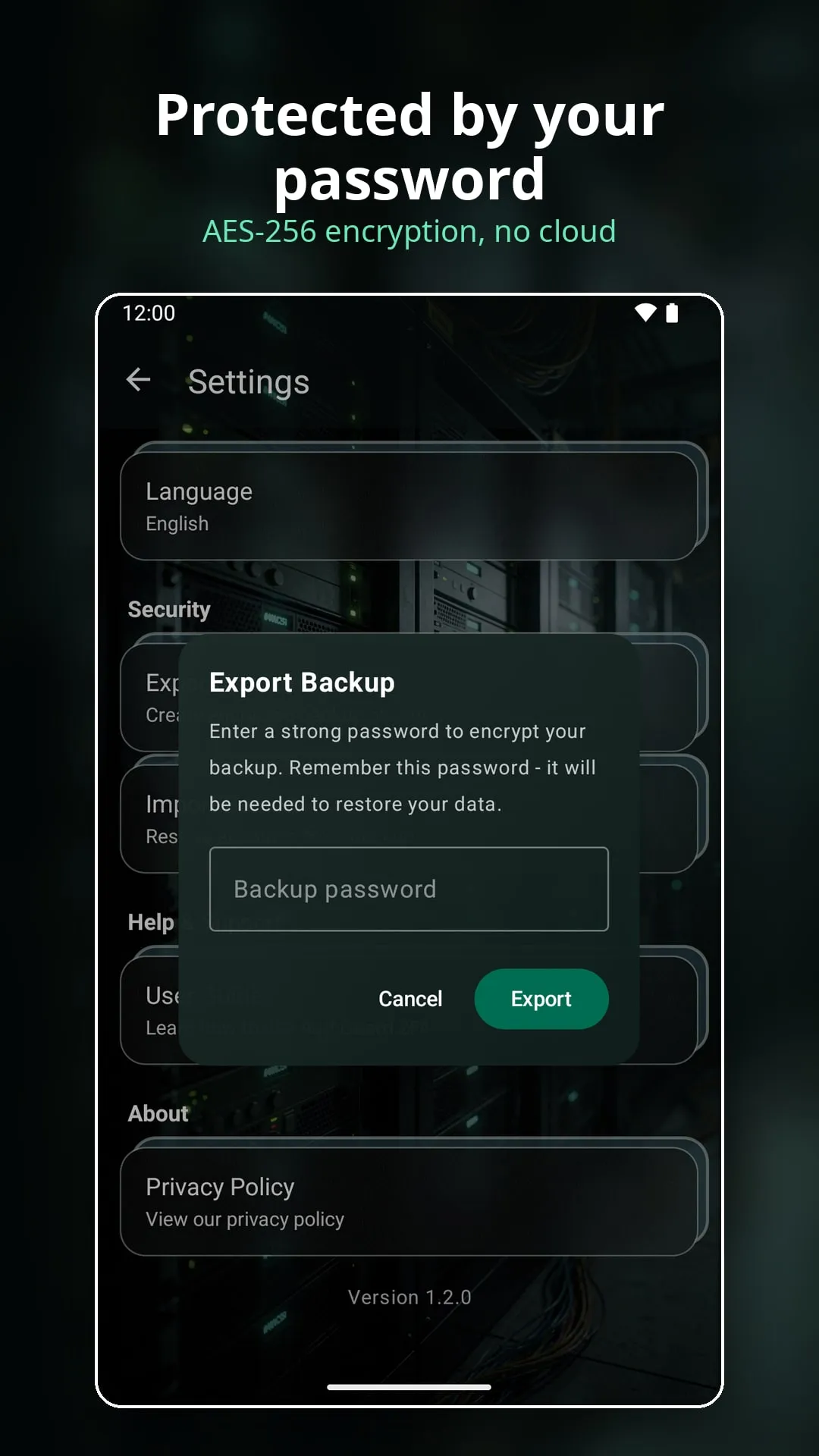
  • Secrets encrypted with AES-256-GCM
  • Keys protected by the Android Keystore (hardware-backed where available)
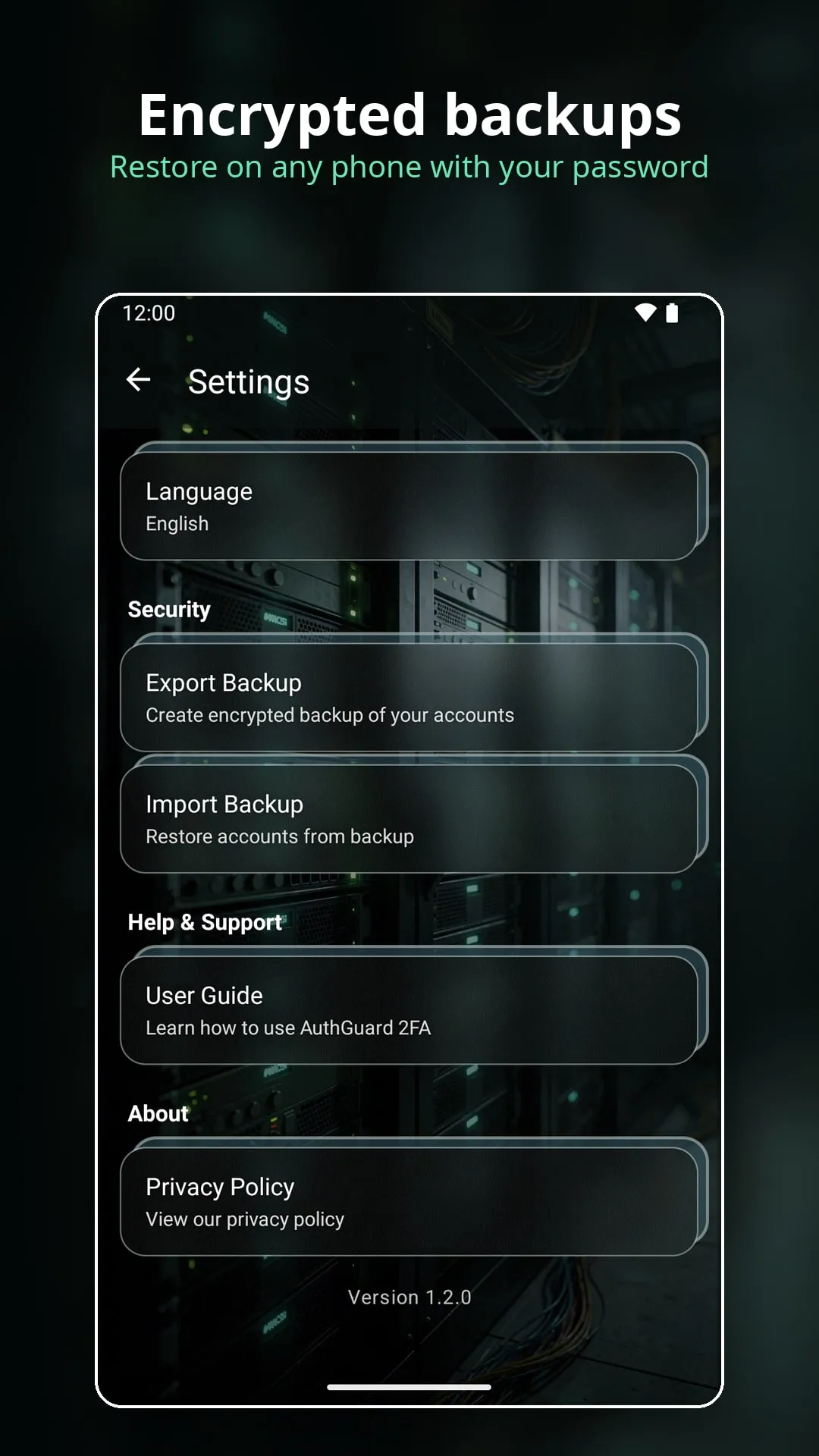
  • Password-protected encrypted backups

Easy to set up

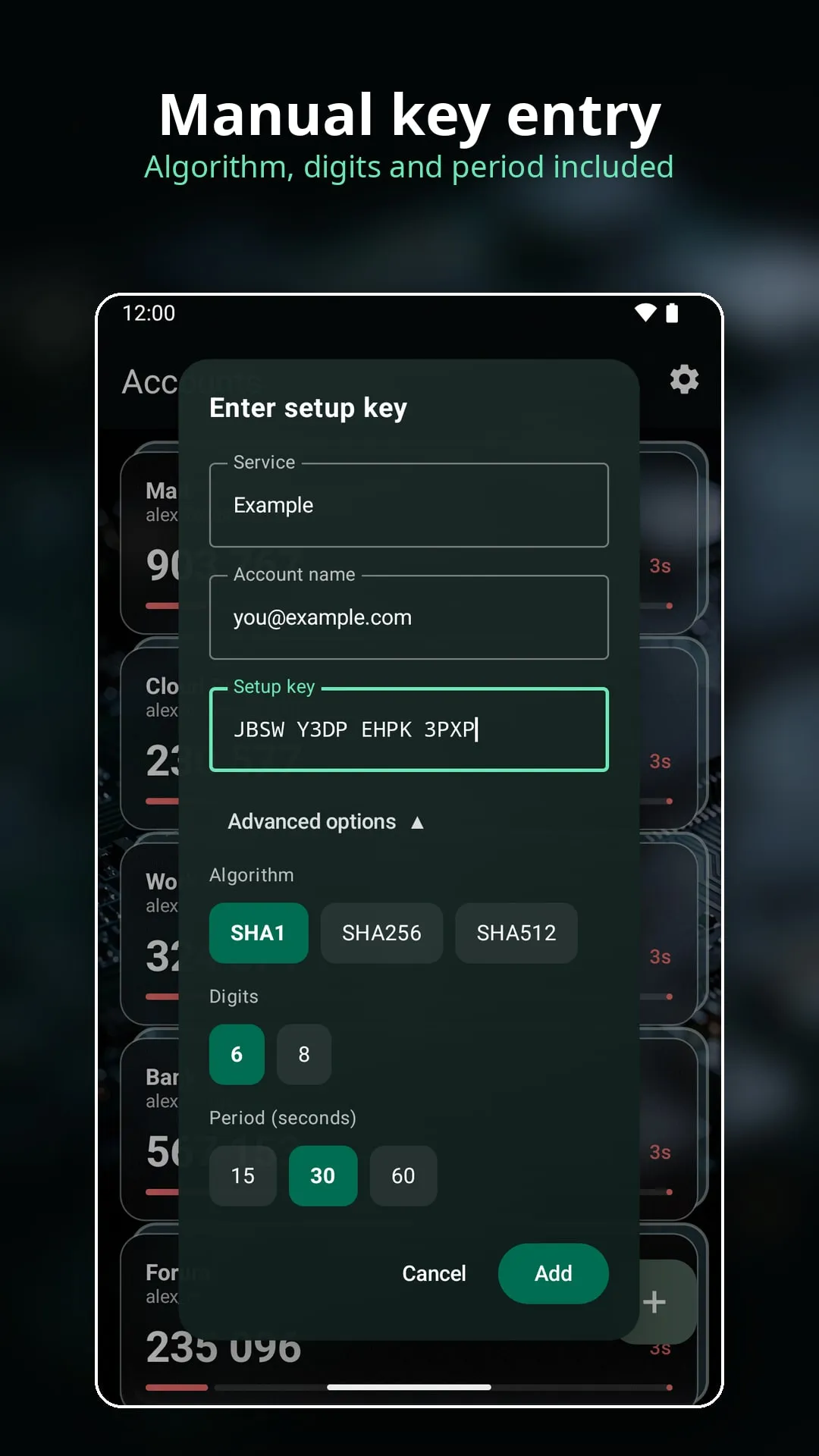
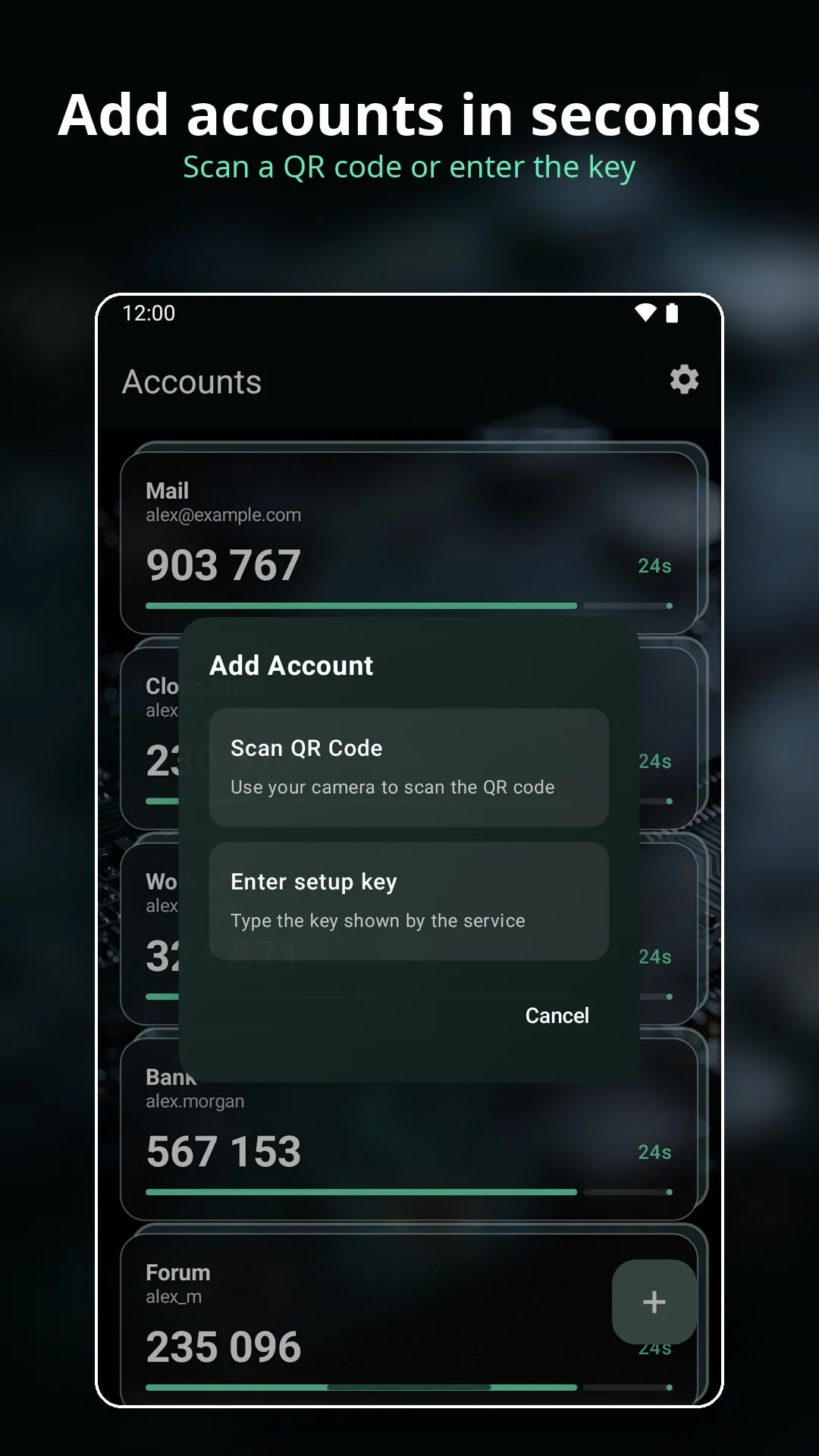
  • Scan a QR code or type the setup key manually
  • Tap a code to copy it
  • Live countdown shows when each code refreshes
  • Clean frosted-glass design
  • Available in 36 languages

Backup and restore

  • Export an encrypted backup file that you control
  • Restore it on a new phone with your backup password
  • Merge with existing accounts or replace them

Works with your accounts

  • Works with any website or service that offers 2-step verification with an authenticator app (standard TOTP codes and otpauth QR codes)

Technical details

  • TOTP, RFC 6238
  • SHA-1, SHA-256 and SHA-512
  • 6- or 8-digit codes
  • 15-, 30- or 60-second periods

Package: com.pixelforgeapps.authguard2fa

More apps

  • CycleFlow

    Health

    A period tracker that keeps your data on your phone.

  • Biocosmic

    Productivity

    Moon planting calendar and garden planner.